Subscribe page
In this article:
How is it different from Subscribe forms?
What is a Subscribe page for?
Your Subscribe page is a web page where anyone can subscribe to receive your emails.
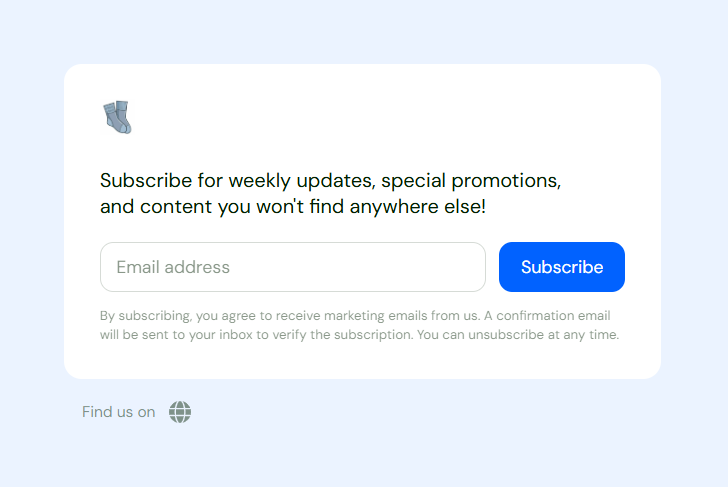
It's important to use as much as you can. Growing your subscriber base is incredibly important for increasing customer base, brand awareness, and more!
How is the Subscribe page different from Subscribe forms?
Subscribe forms are very similar. They are also used as a way for subscribers to sign up for your email list. The key difference is that Subscribe forms are embedded into an existing website. They aren't a standalone page like the Subscribe page.
If you have an existing site you want to add to, we recommend a Subscribe form.
If you don't have an existing site or don't want to embed, we recommend a Subscribe form.
(It's also possible to use both!)
Customizing my Subscribe page
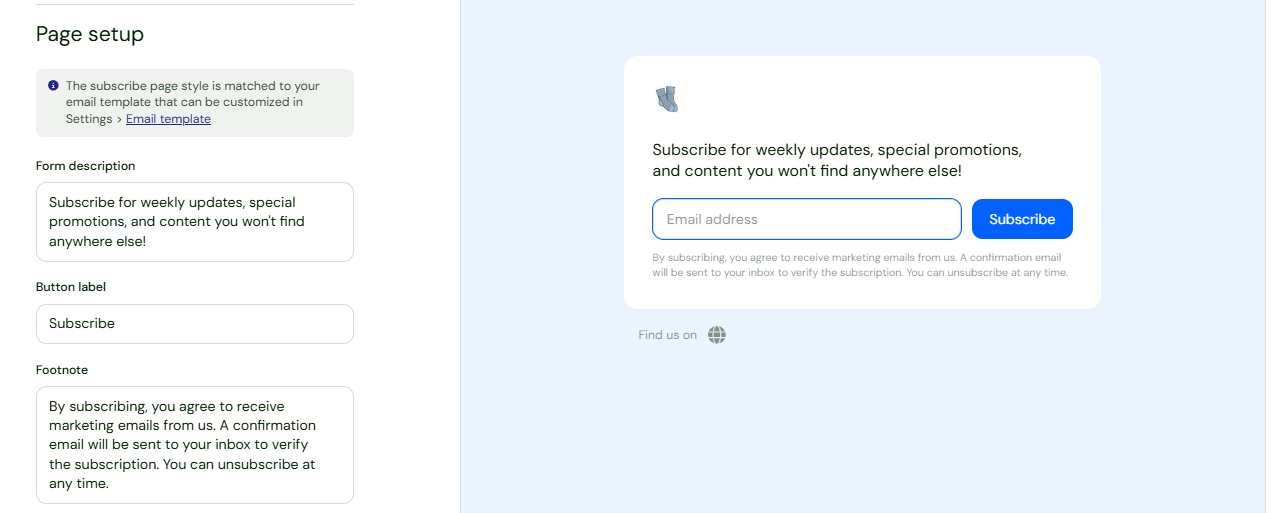
Customizing your Subscribe page is easy to do! The page will automatically match the color you chose for your Email design. You'll only need to adjust the text that shows on the page.
You can enter custom text for Form description, Button label, and the smaller Footnote text beneath the form.
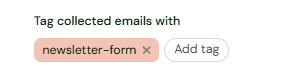
You can also set a Tag (or Tags) for this page. Anyone who signs up through this form will have that unique Tag added. You'll then see the Tag when viewing your contacts in Audience.
Finally, your Subscribe page can be connected to any previously created email sequence. Use the drop-down to select which sequence you want to be triggered. This allows you to send an automatic series of emails to new subscribers.
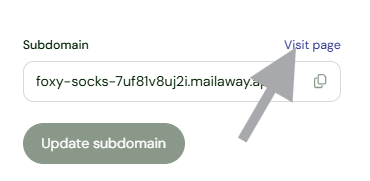
Want to preview the page to see it as a new subscriber would? Click Visit page.
Sharing my Subscribe page
When sharing your Subscribe page, you'll share the subdomain link at the top. Simply click on the copy URL icon and then paste wherever needed!
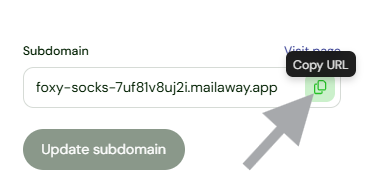
If you decide to change or update the subdomain, please remember to replace any old links with the new one.